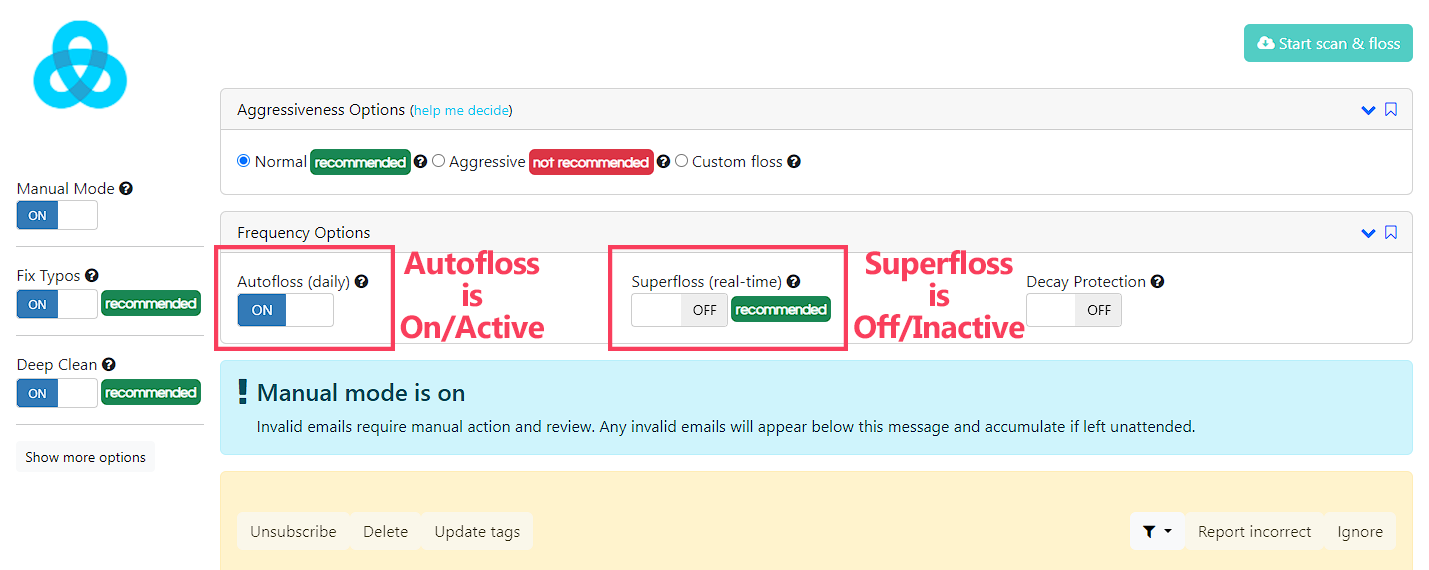
Automatic flossing/verification comes in three flavours, each with their own on/off switch:
- Superfloss - instant, real-time verification of NEW subscribers
- Autofloss - daily verification of NEW subscribers from the previous day
- Decay Protection - monthly verification of the ENTIRE email database
These 3 features are not all available for every email service provider integration. If you don't see the switch, that means it isn't available for this particular integration.
To turn them on/off, click the corresponding switch. If it says ON, that means the feature is enabled and active. If it says OFF, that means the feature is disabled and inactive.