
Getting started with cleaning your email lists with Infusionsoft is easy with mailfloss. Once Infusionsoft is connected, you can let mailfloss automatically clean your email lists with Infusionsoft going forward. Here’s how to do that.
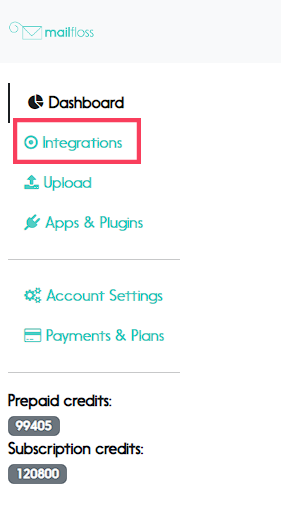
Step 1. Visit the integrations page
Visit the integrations page by clicking on “Integrations” in the left sidebar.
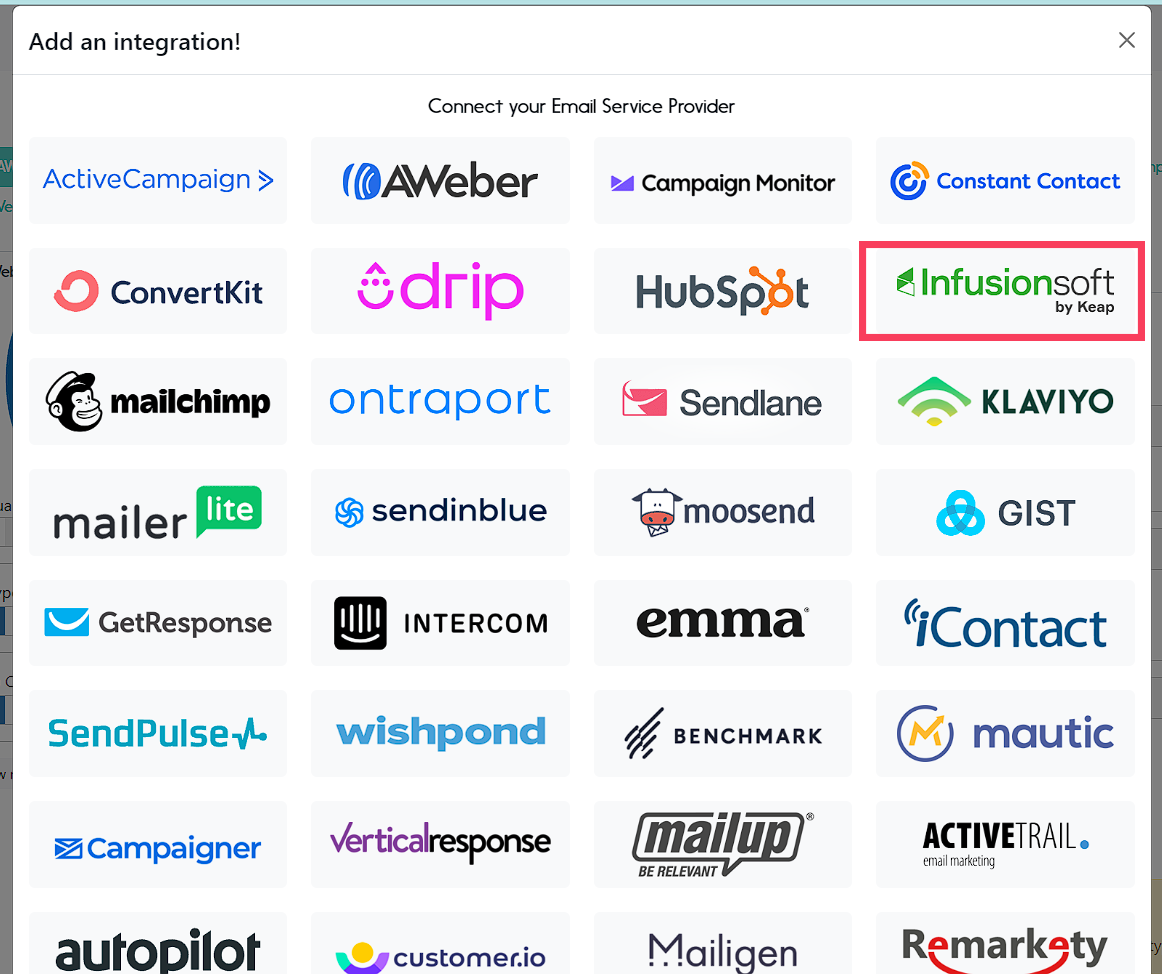
Step 2. Select Infusionsoft from the integrations options
You will be taken to Infusionsoft where you’ll authorize mailfloss in the next step.
Step 4. Click the Allow button.
Once authorized, you’ll be taken back to mailfloss.