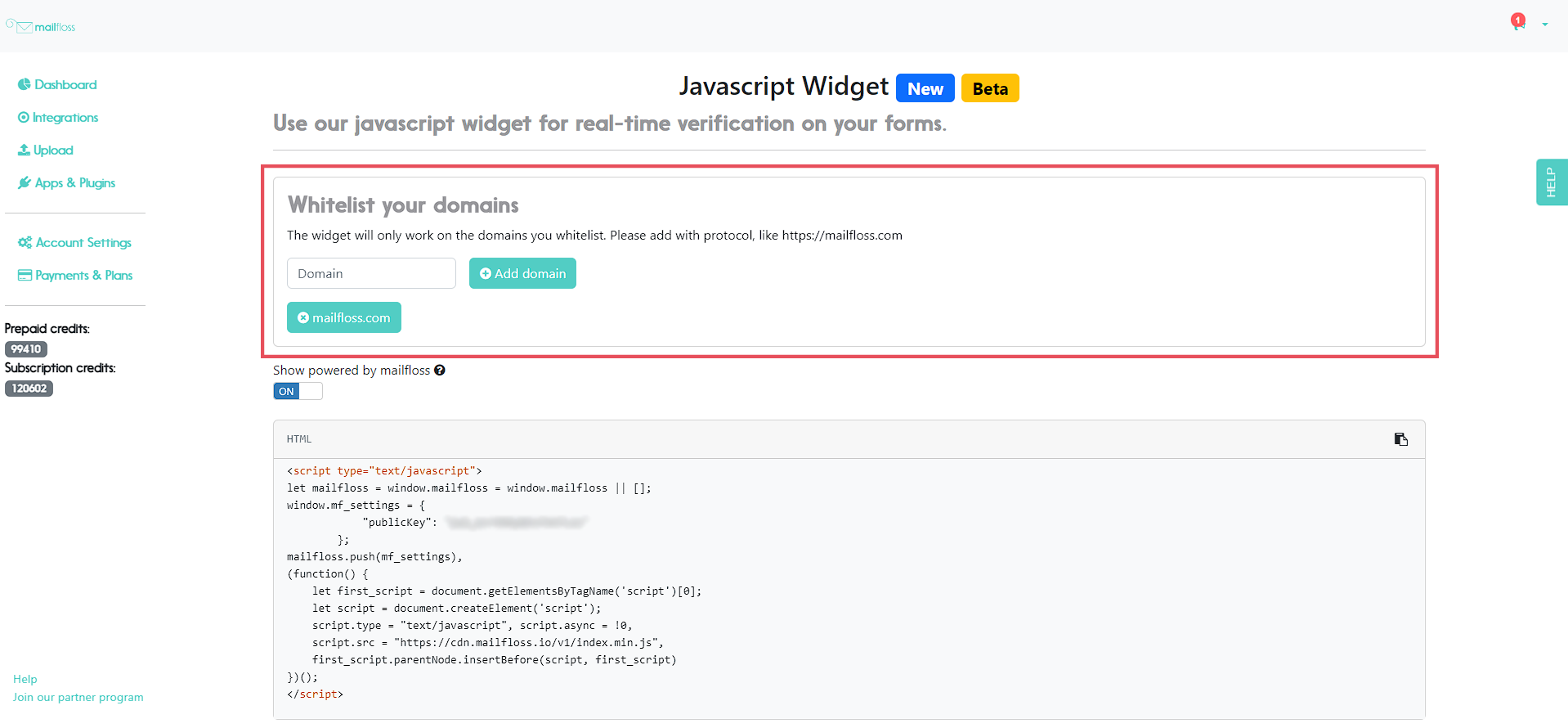
Step 1. At your mailfloss app, go to the widget section (under "Apps & Plugins") and make sure to have your domain added to the white list.
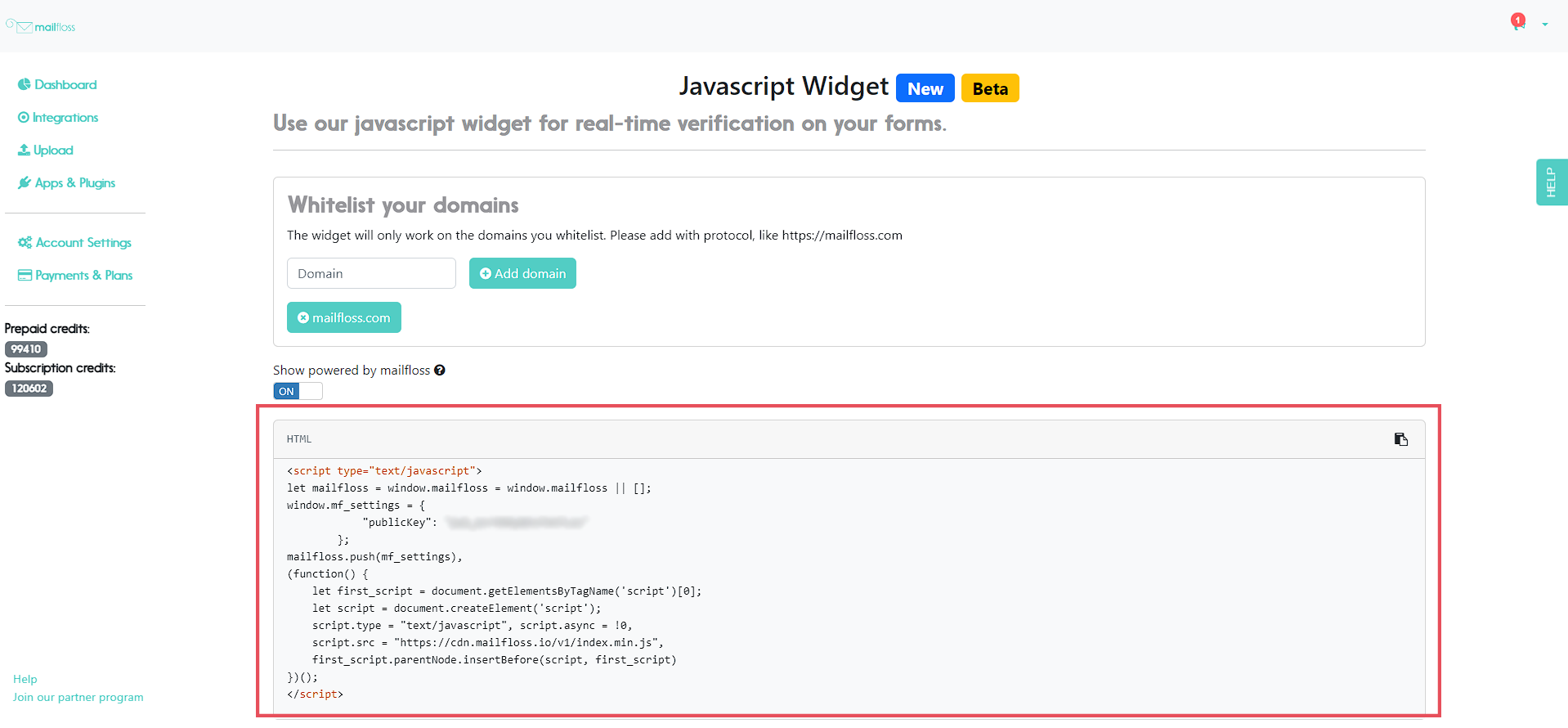
Step 2. Copy your JS widget code, along with your public key.
Step 3. From your Landing Pages section at InstaPages, select the page you want to add the widget to and click on "Edit Design".

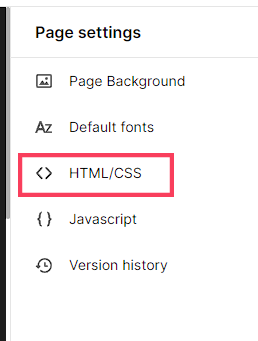
Step 4. From the Page Settings menu on the right side of your screen, select "HTML & CSS".
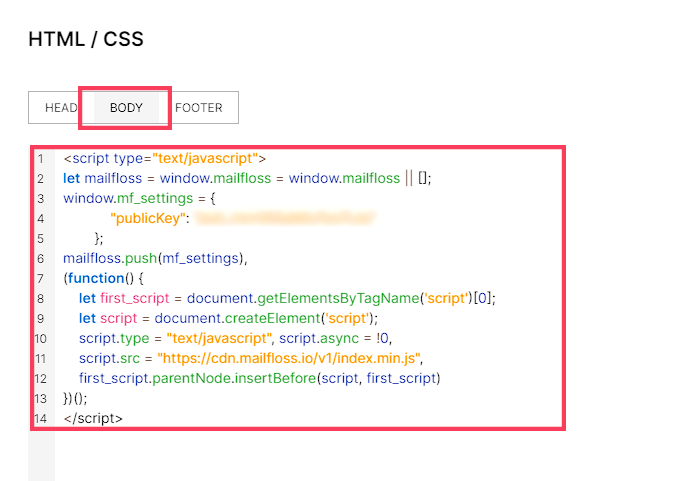
Step 5. Select the Body section of your code editor and paste your widget code. Don't forget to save your changes!