If you have it set to in your preferences to receive email reports after floss sessions, you will receive a CSV file with all the results of the floss session (or an aggregate from the previous day if it's for Superfloss).
Alternatively, you can download the results from the Dashboard.
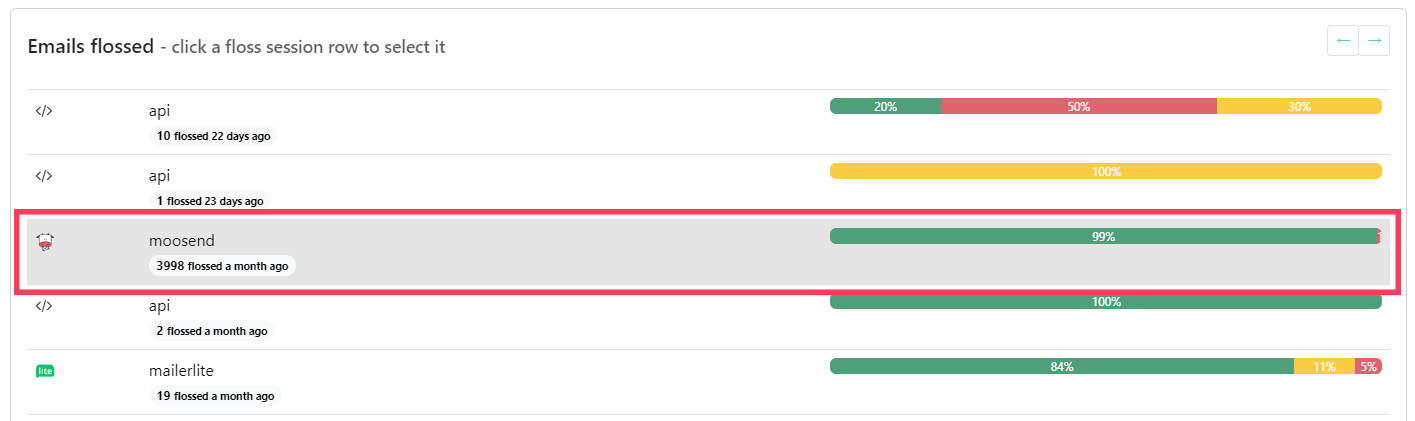
To do that, first click the floss session you want to export. If you do not, the default is the last floss session.
Then scroll down and click the "Export emails" button.

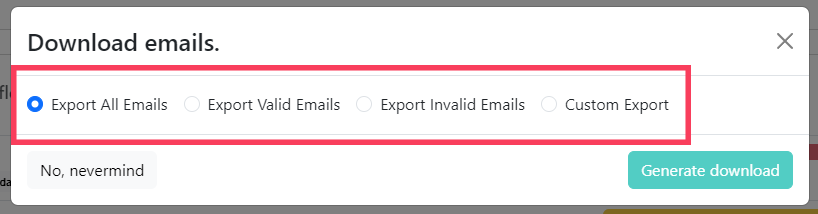
Now, select the option that matches your report preferences and click on "Generate download".