
To avoid using credits on email addresses that were uploaded previously, you could turn on caching. This will use the cached data that we have from a previous upload rather than a credit, if we have any. Please note this is not recommended as the result is not a fresh, live result, and may result in higher bounce rates. Caching is currently in beta and may provide unexpected results.
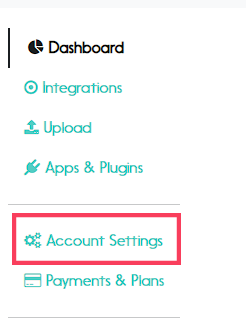
Step 1. Go to "Account settings"
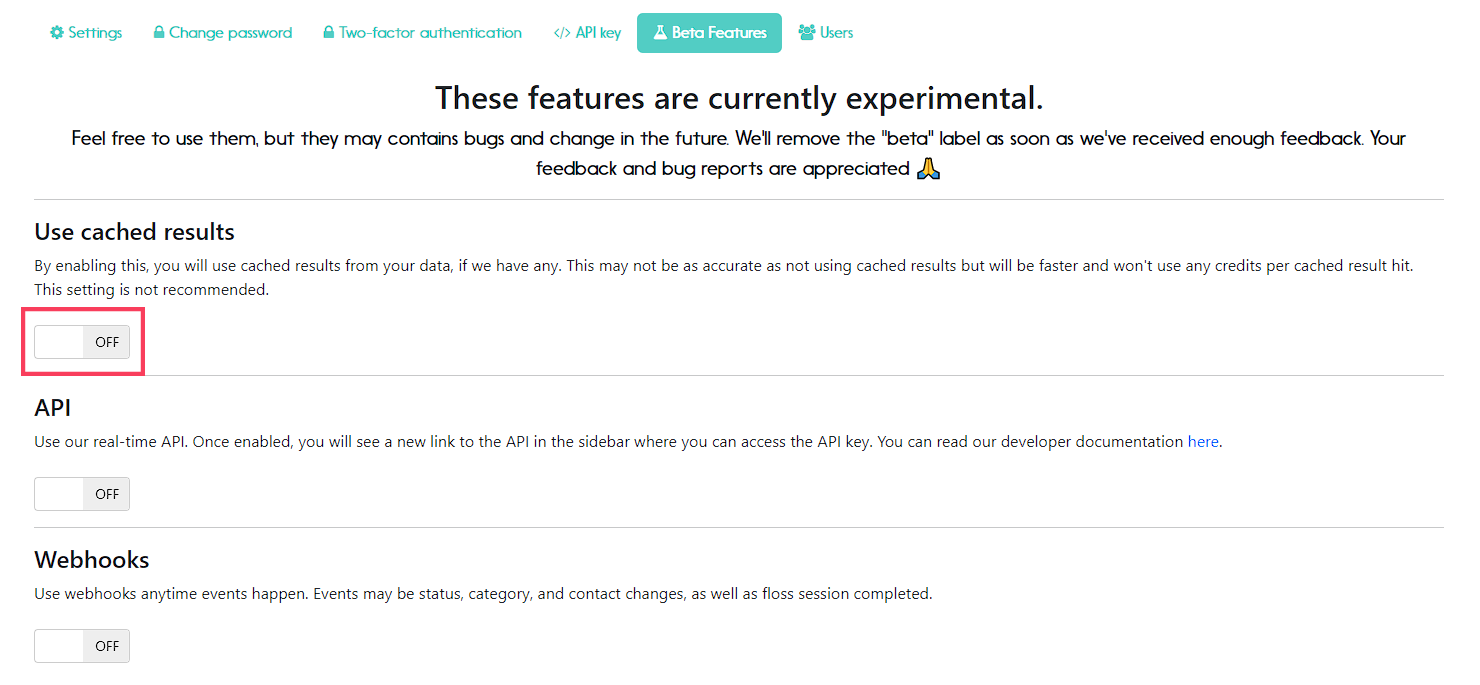
Step 2. Click on "Beta Features"

Step 3. Once there, you'll see "Use cached results" as the first feature option. Click on the switch to turn it on.
Don't forget to share your feedback with us!