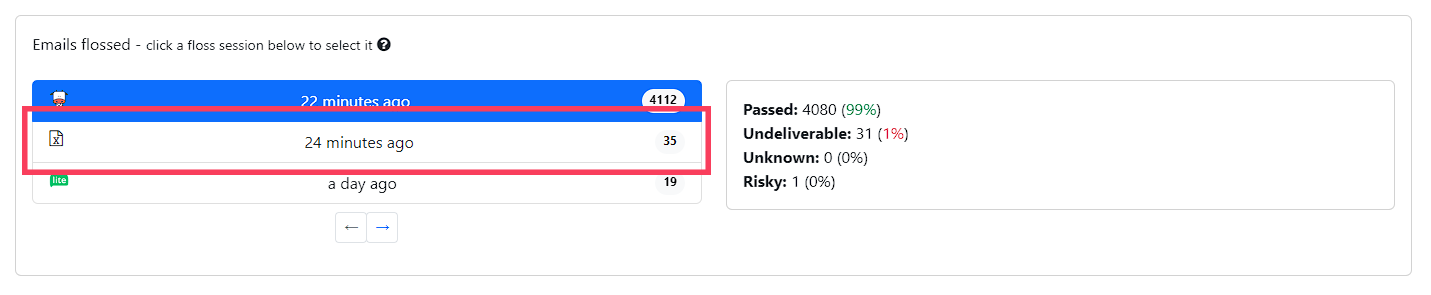
1. From your dashboard, scroll down to your flossing sessions and select the session corresponding to your uploaded file.
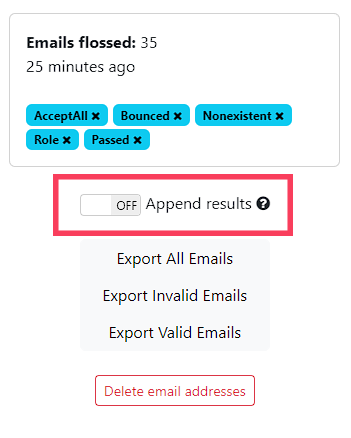
2. Once you've selected your session, go to your export options and turn on the "Append results" switch.
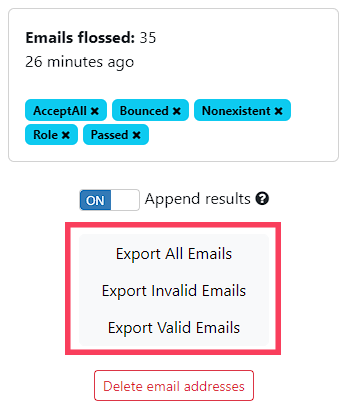
3. Select the report depending on which emails you want to get, as usual.
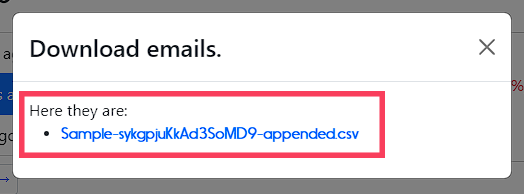
4. Once the report file has been generated, click on the popup link to download it, or wait until you get your download link in your email.