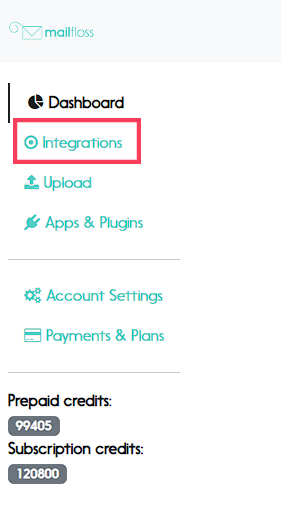
1. Visit the integrations page
Visit the integrations page by clicking on “Integrations” in the left sidebar.
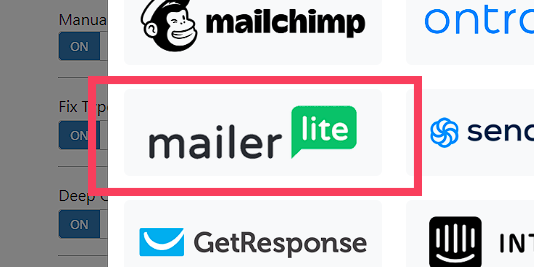
2. Select Mailerlite from the integrations options
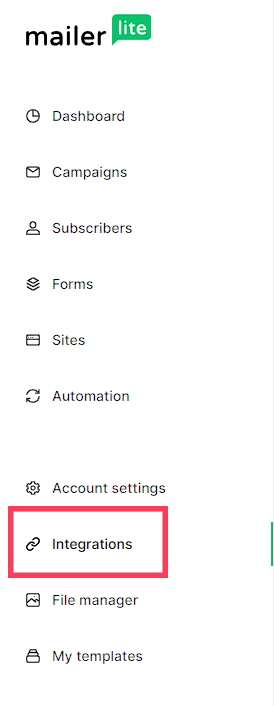
3. From your Mailerlite dashboard, click on "Integrations"
4. Go to the "MailerLite API" section and click on "Use"
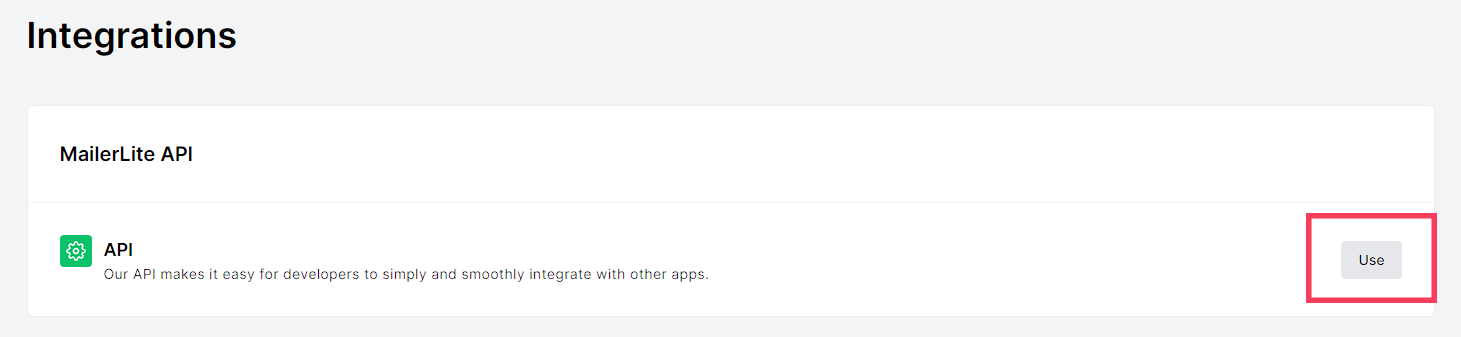
5. Click on "Generate a new token"

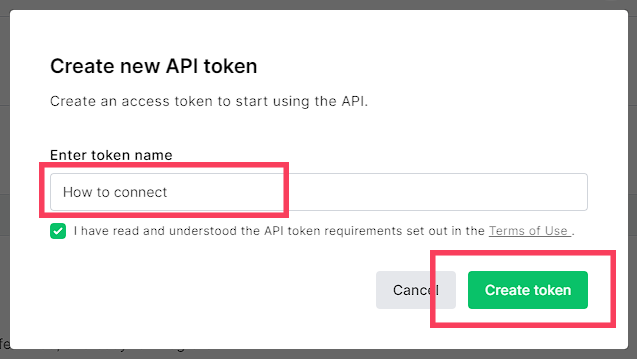
6. Give a name to your token and click on "Create token"
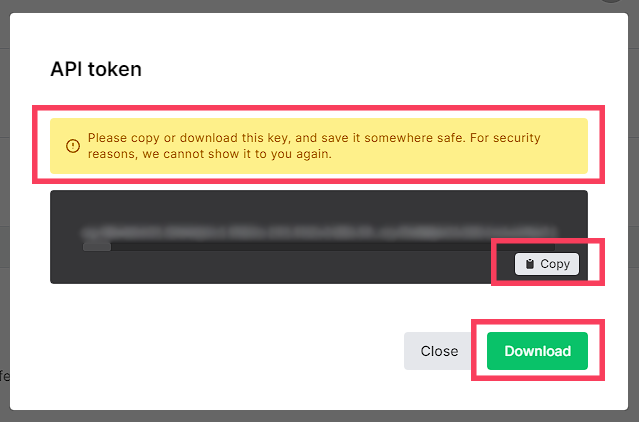
7. Copy or download your token
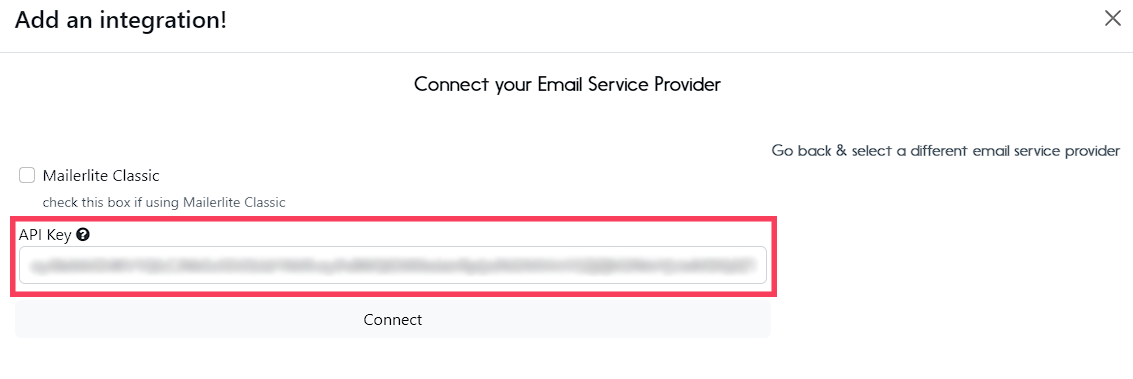
Remember that, in case you disconnect your MailerLite account, you will need to have your token saved or create a new one.
8. Back to your mailfloss app, paste your token and click the "Connect" button