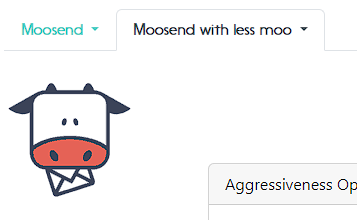
Go to your mailfloss integrations and click on Add integration. Follow the steps for adding your account as a new integration.

Once you finished connecting your second account, go back to integrations. You should be able to see two tabs with your different accounts like this:
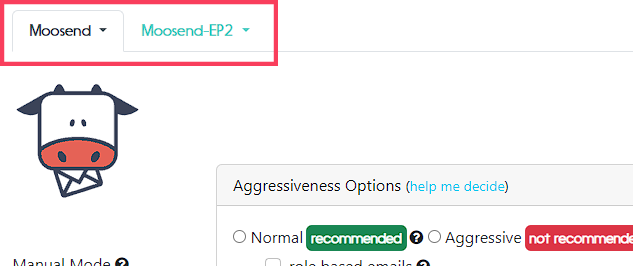
Click on the tab for the account you want to check and click "Select account", this way you will switch to its respective information.
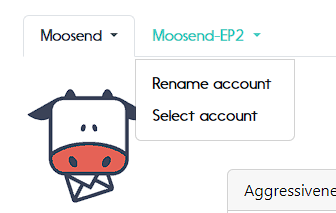
Also, you can click on "Rename account" to assign a new name to your tabs, this way you can identify which account belongs to them.

And, you're done!