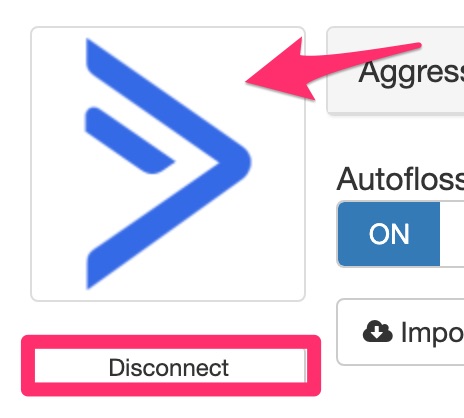
To disconnect an already connected integration, visit the integration under Integrations, hover over the icon image, and the disconnect button will appear. Click the disconnect button to disconnect the integration.
There is no confirmation so be sure this is what you want. Disconnecting the integration will break the connection and any settings such as Autofloss will no longer function.