
Getting started cleaning your email lists in Sendlane in real-time is easy with mailfloss. Once a Sendlane automation is set up, you can let mailfloss automatically clean your email lists with Sendlane as email addresses enter your system, in real-time. Here’s how to do that.
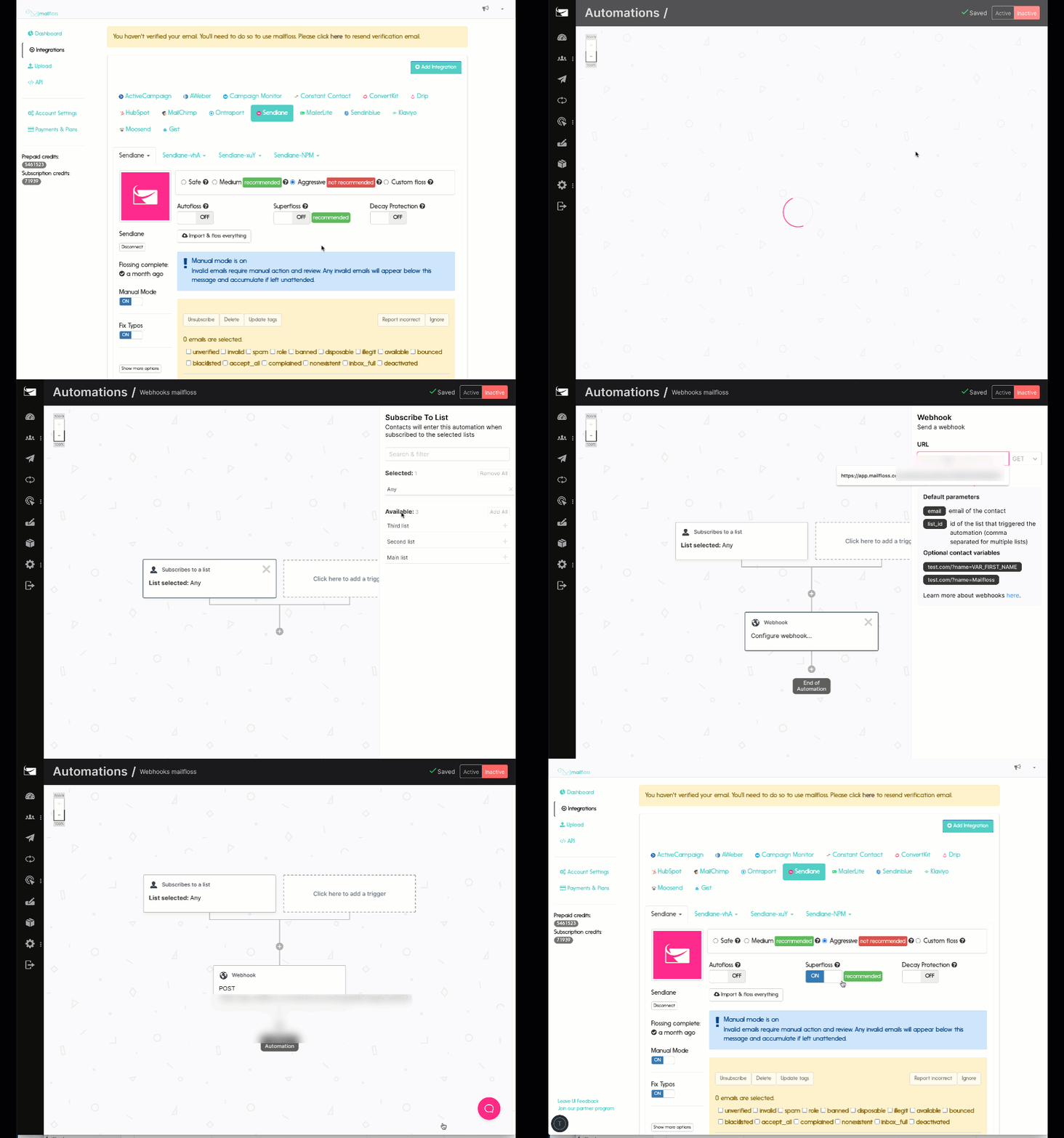
Step 1. Visit the integrations page
Visit the integrations page by clicking on “Integrations” in the left sidebar.
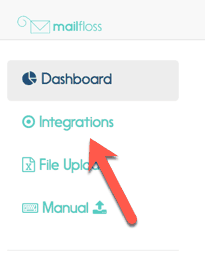
Step 2. Ensure you are on the Sendlane Integration tab
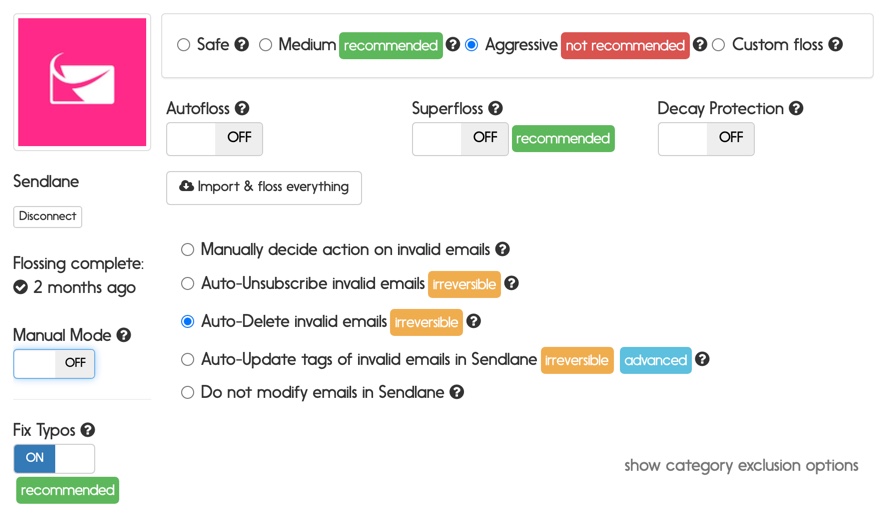
Step 3. Click the Superfloss switch, a popup will appear with a webhook URL, copy it.
You will need to login to Sendlane for the next step.
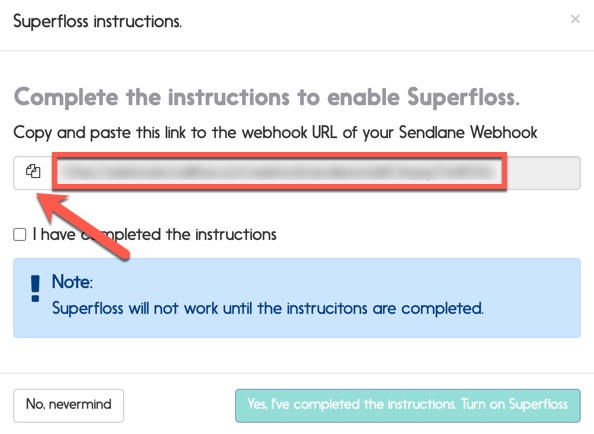
Step 4. In Sendlane, click the Automations link in the sidebar
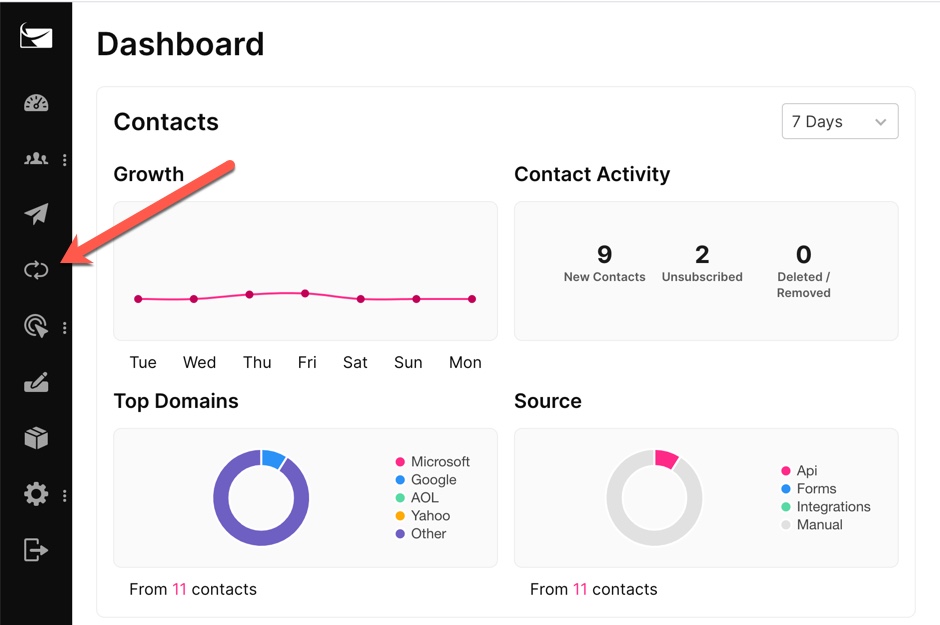
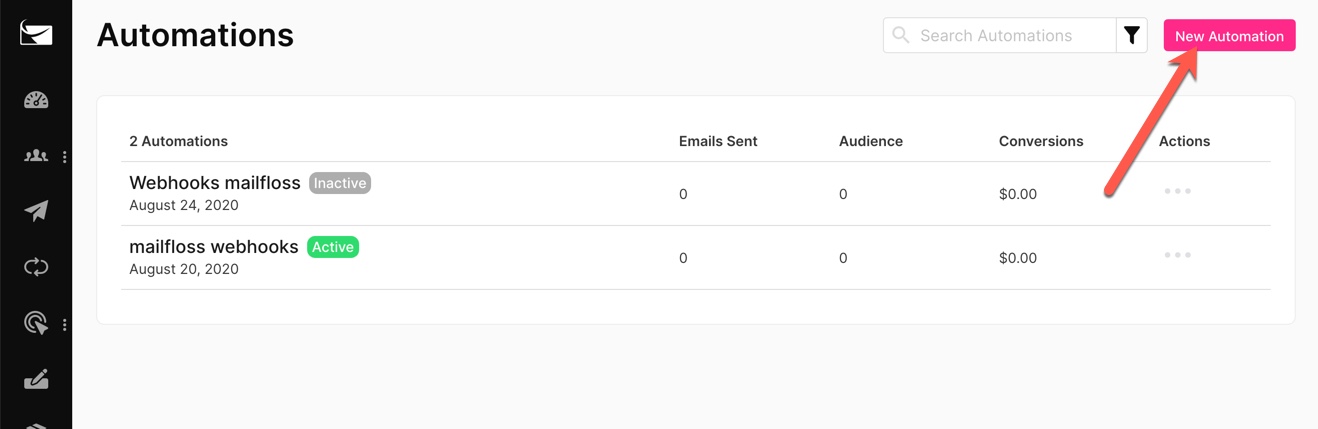
Step 5. Click the New Automation button
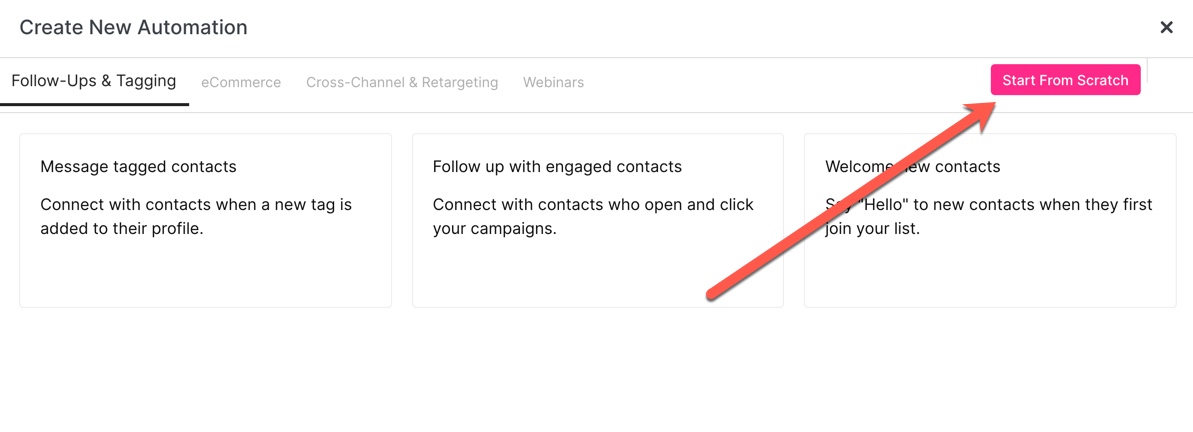
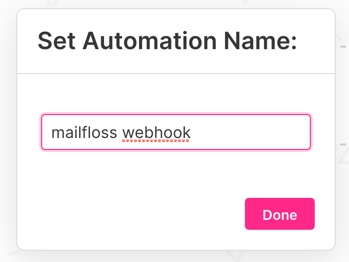
Step 6. Click the Start From Scratch Button, give the automation a name, and click Done.
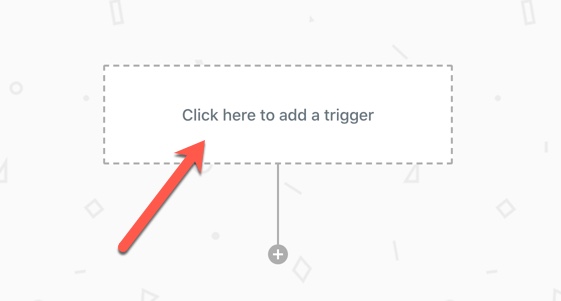
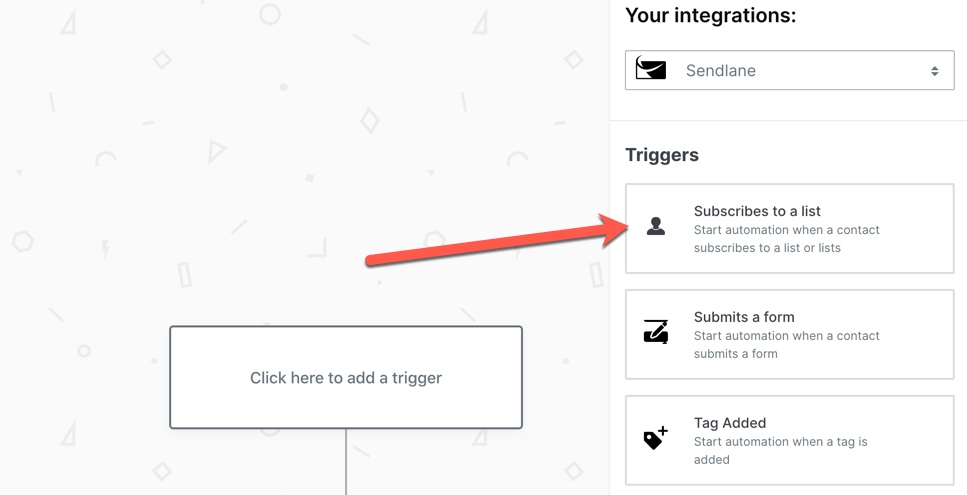
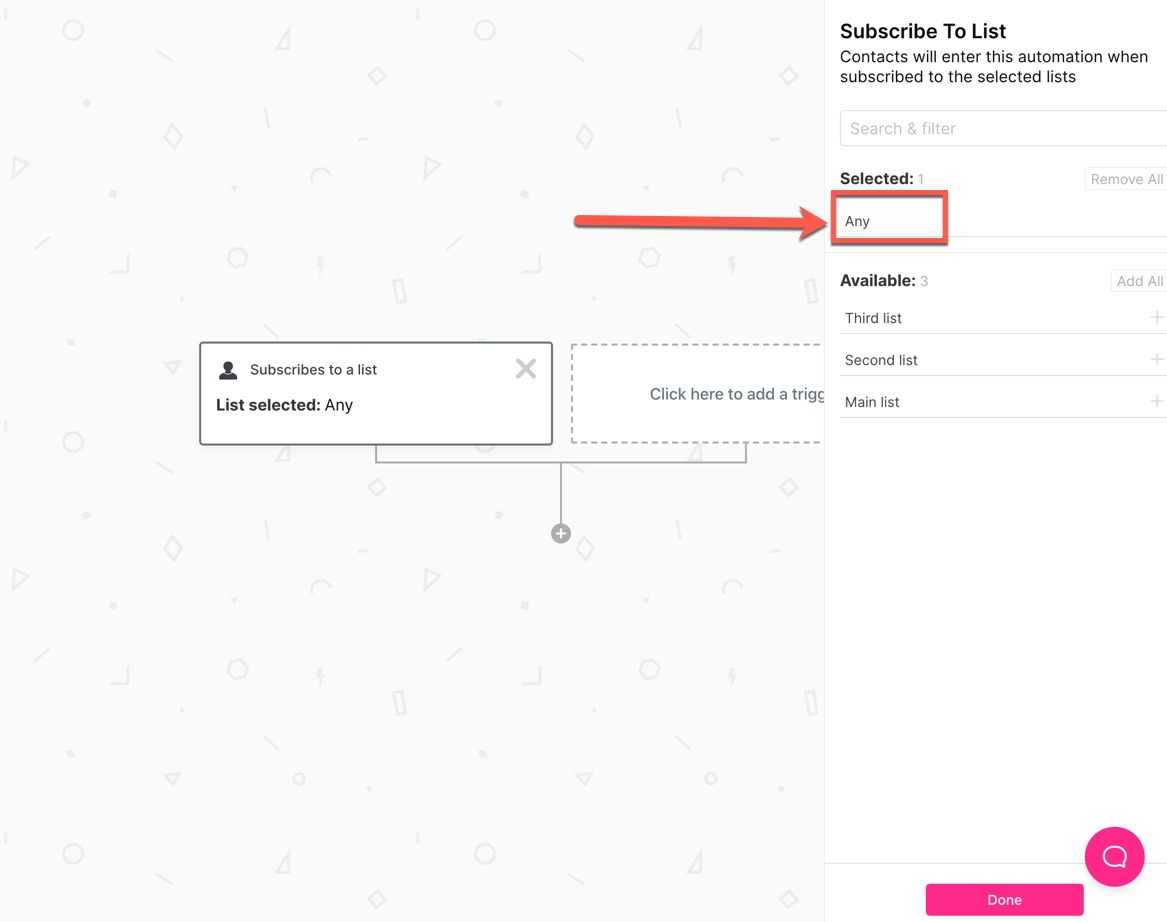
Step 7. Click the area "Click here to add a trigger", select "Subscribes to a list" and ensure under Selected it is "Any".
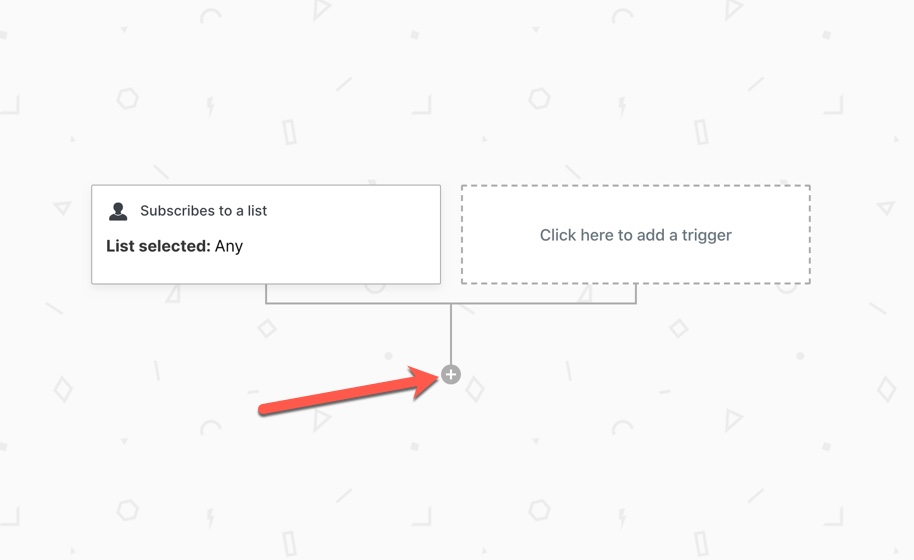
Step 8. Click the plus button to create an action and select "Webhook".
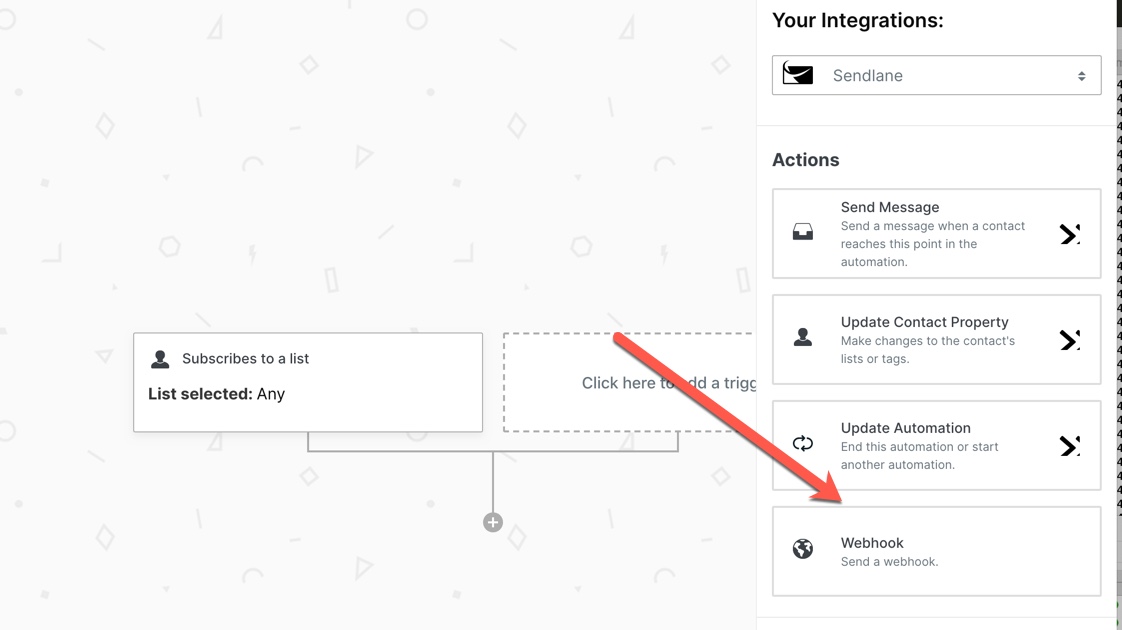
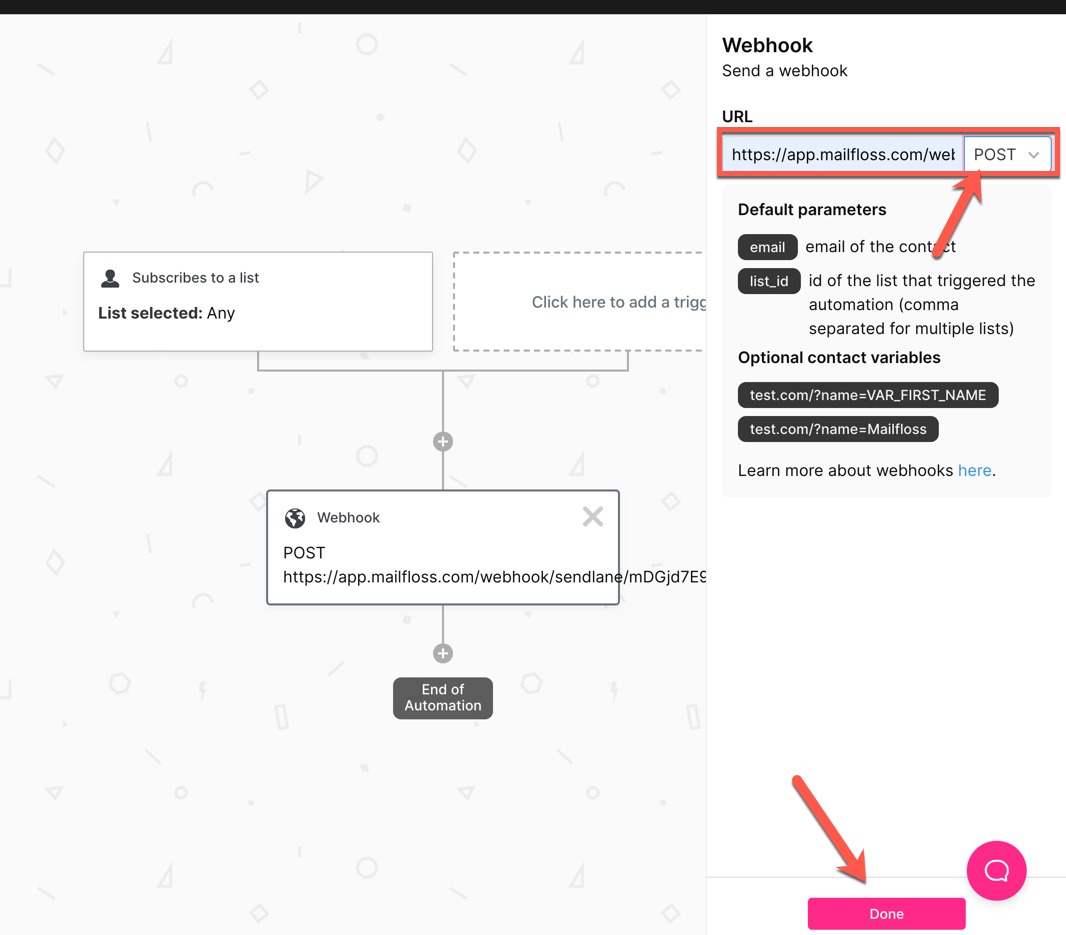
Step 9. Paste the webhook URL you copied from Step 3, ensure POST is selected from the dropdown and slick Done.
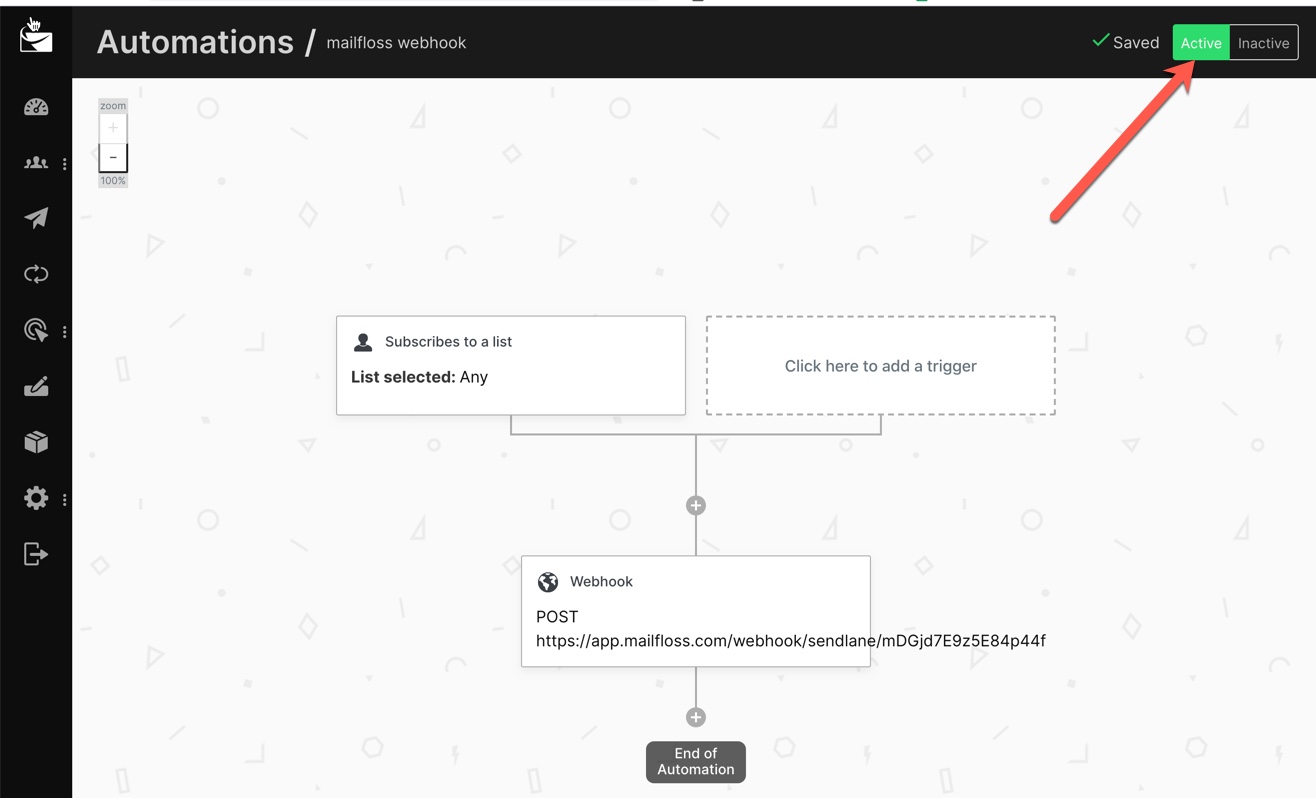
Step 10. Ensure the switch is set to "Active" to enable the automation.
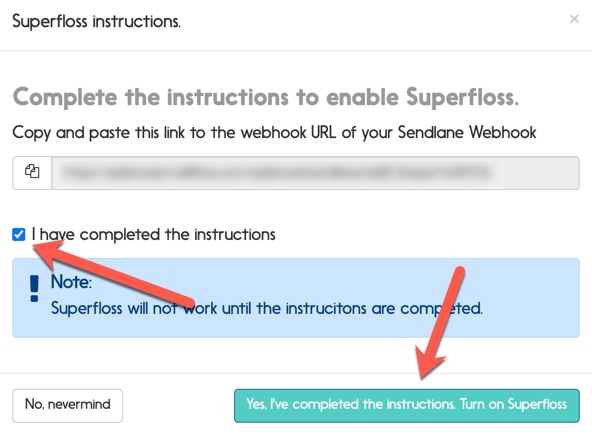
Step 11. Back in mailfloss, click the checkbox that you have completed the instructions, then click the button to turn on Superfloss.
Please note Superfloss is for real-time operations only. For bulk import/cleaning operations, see this article. Please do not send large batches of email addresses to the provided webhook address.