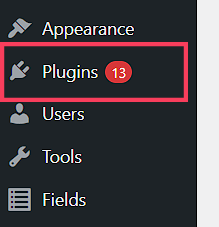
Step 1. From your WordPress dashboard, go to the panel at the left side of your screen and click on Plugins. Select "Add New".
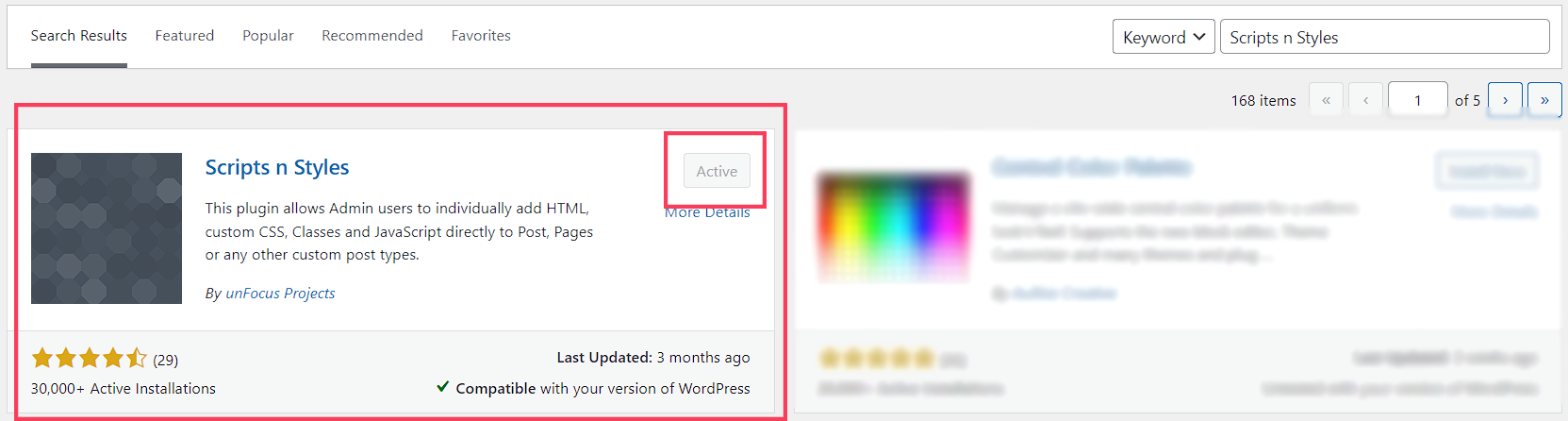
Step 2. Go to the search bar and search for the Scripts n Styles plugin.

Step 3. Once you find it, just click on the "Activate/Install" button. And, you're done! This plugin doesn't need any additional steps to be added to your editing options.