
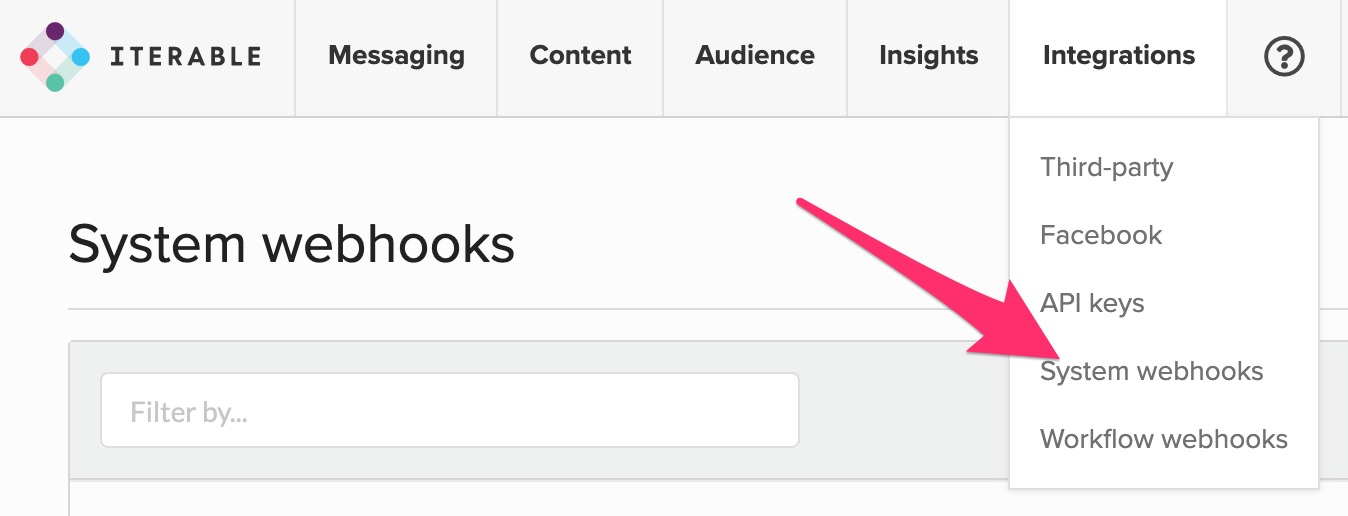
Step 1. In Iterable, select Integrations in the navigation and click System webhooks
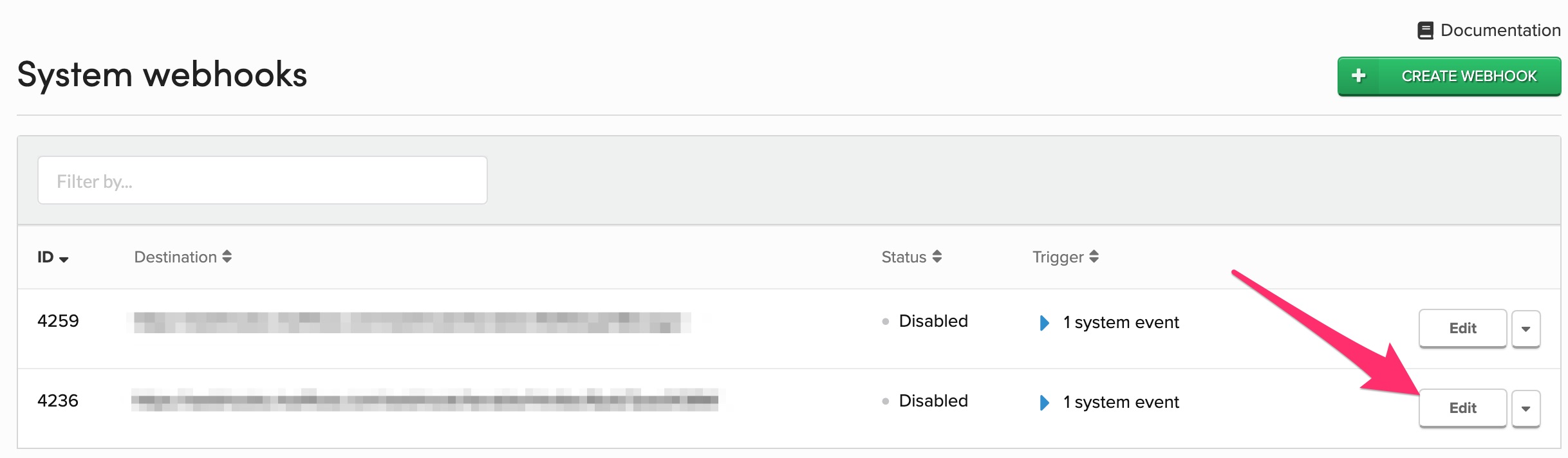
Step 2. Click Edit on the previously set up Superfloss Webhook
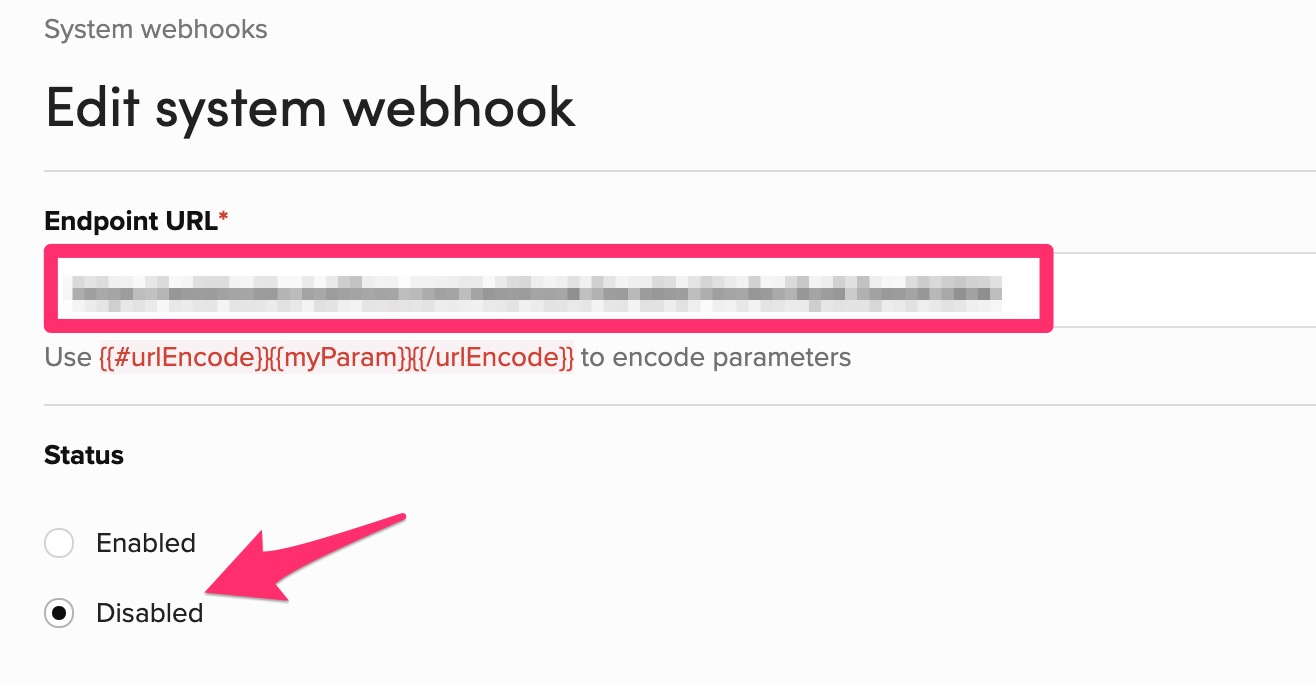
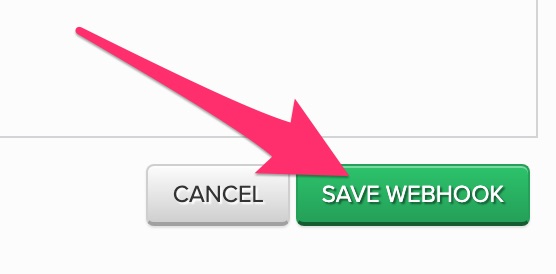
Step 3. Copy the "Endpoint URL", ensure the Status is Disabled, and click the Save Webhook button
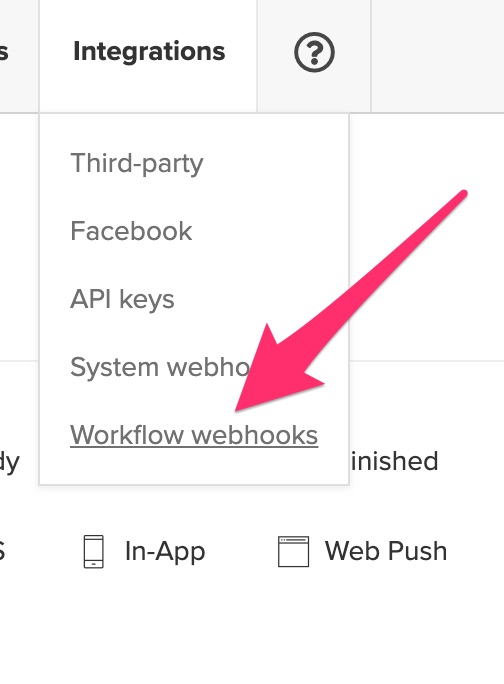
Step 4. Select Integrations in the navigation and click Workflow webhooks
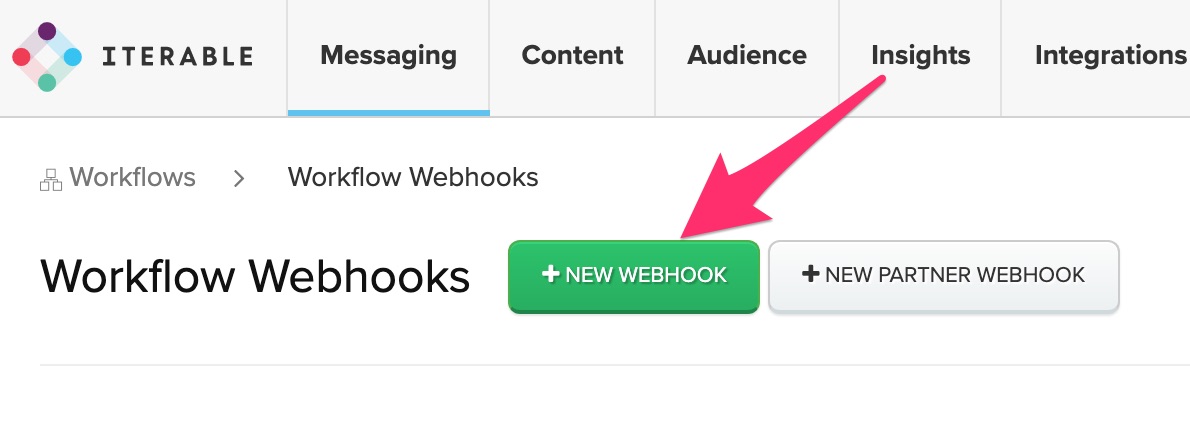
Step 5. Click New Webhook
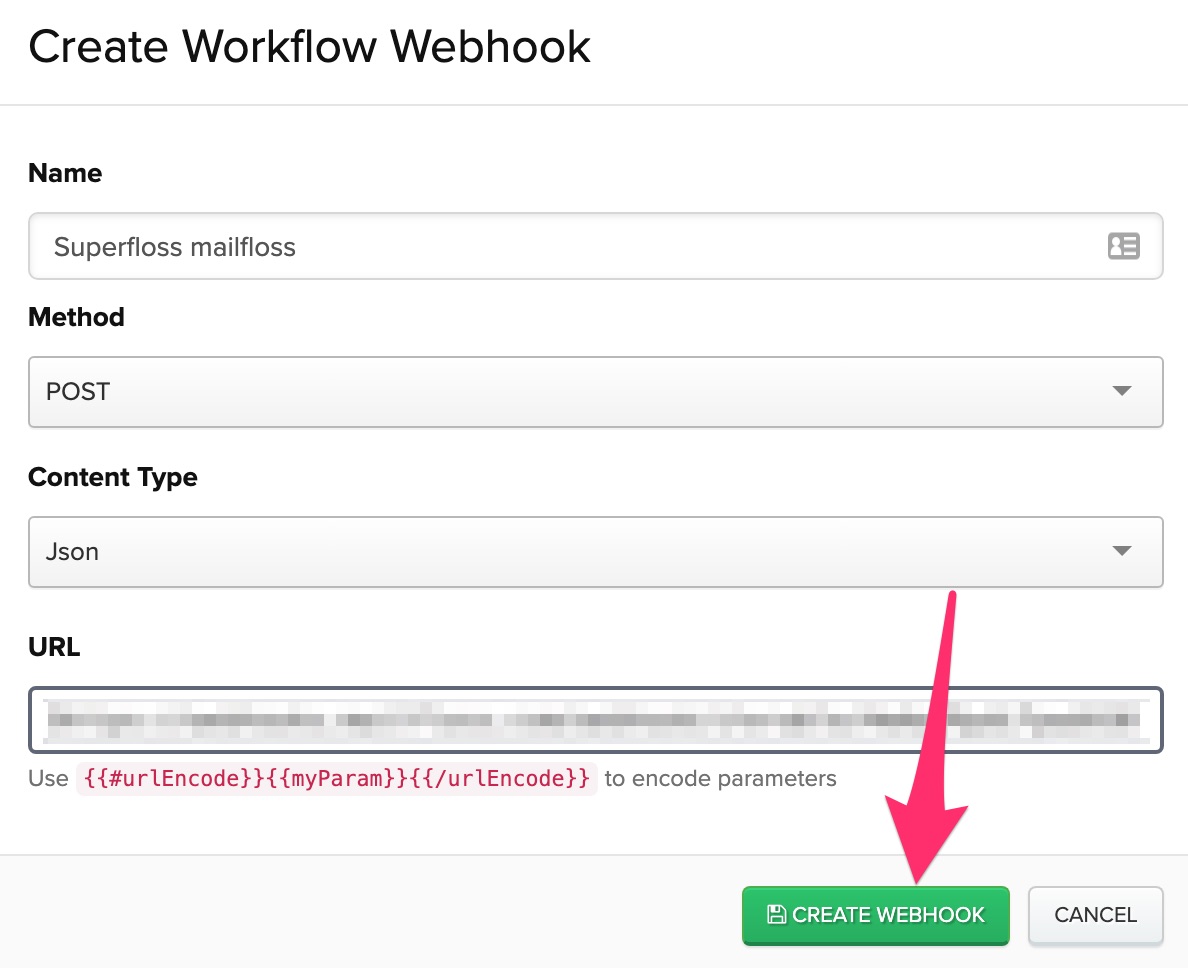
Step 6. Give the webhook a name, paste the URL obtained from Step 3 and click Create Webhook
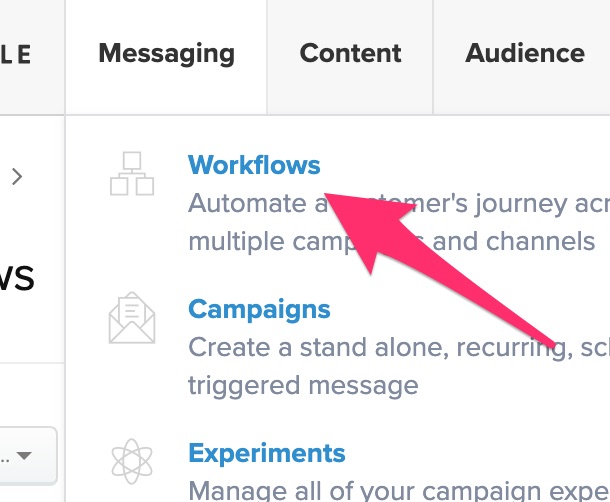
Step 7. Select Messaging in the navigation and click Workflows
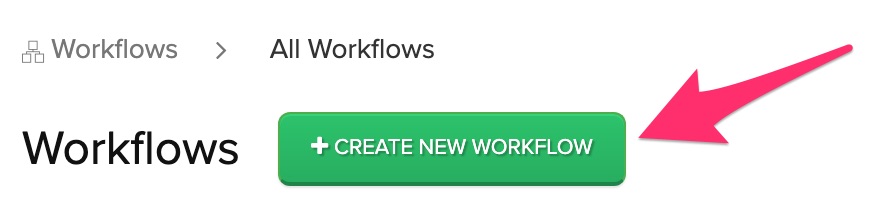
Step 8. Click Create New Workflow
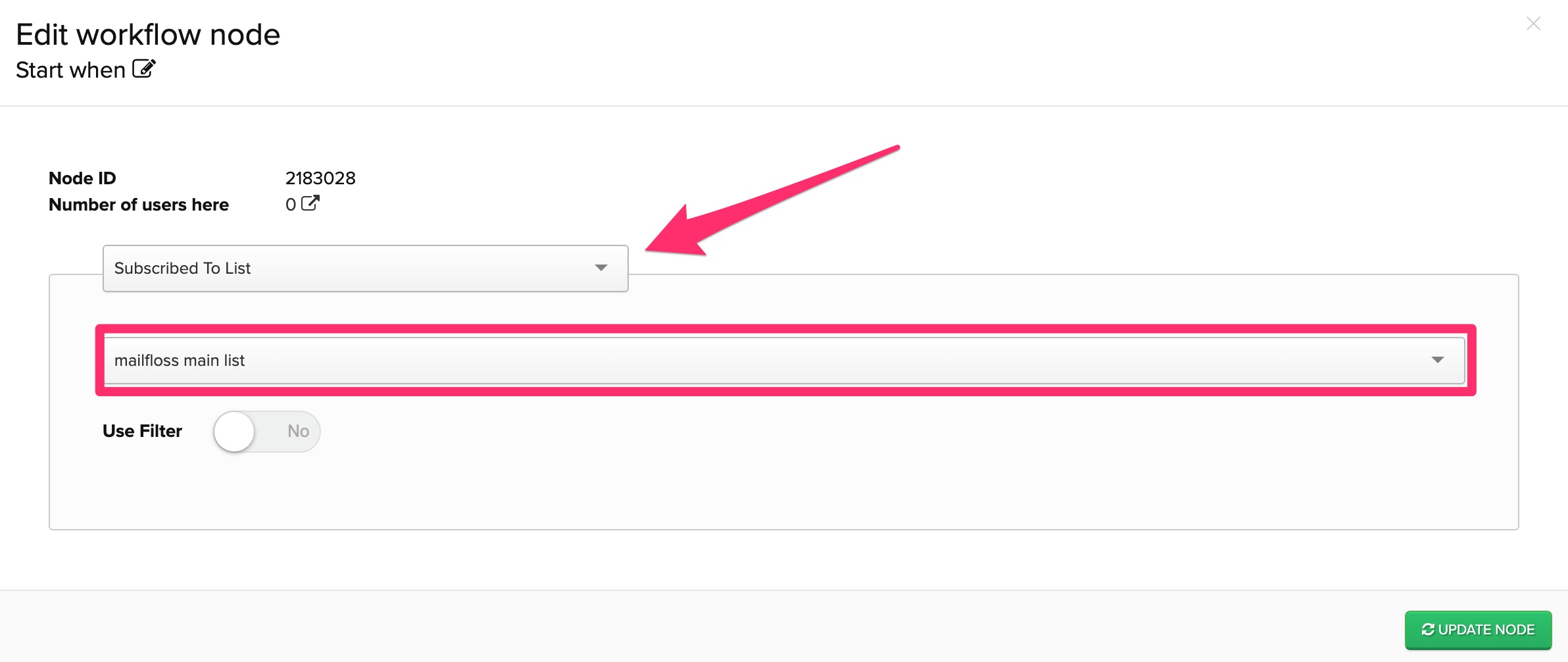
Step 9. For the start node, select "Subscribed To List" and choose the list mailfloss will floss and then click Update Node
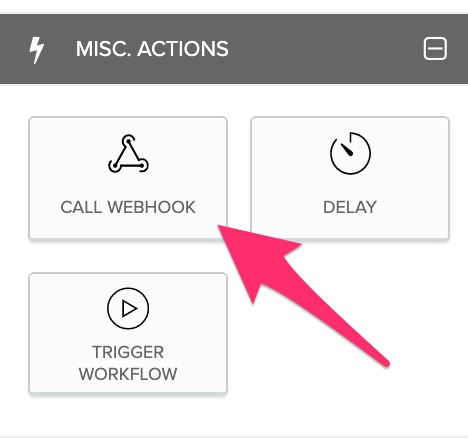
Step 10. On the left under Misc. Actions click Call Webhook
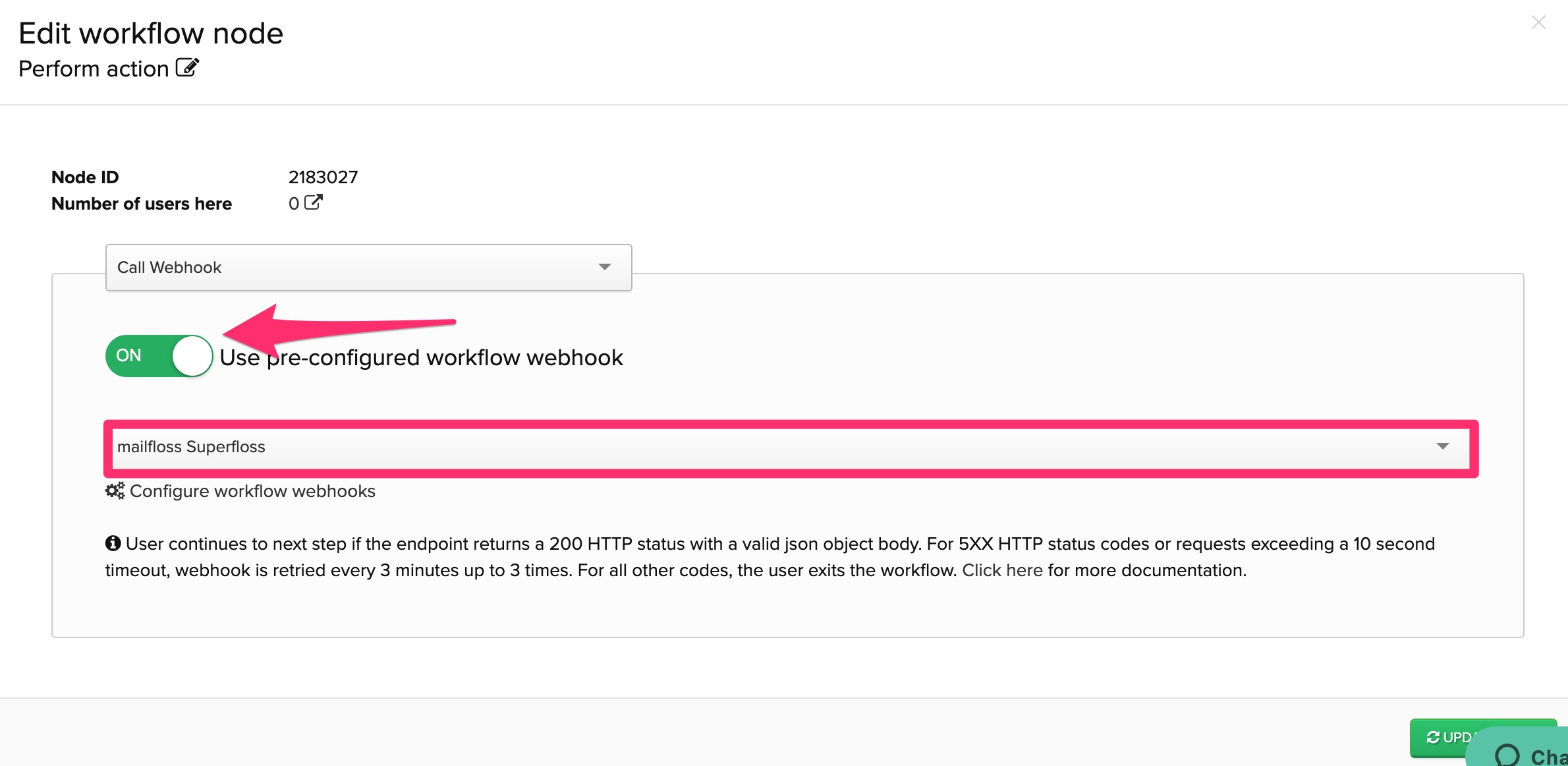
Step 11. Switch on "Use pre-configured workflow webhook", select the webhook created in step 6, and click Update Node
Step 12. Ensure there is a link from the start node to the webhook action node
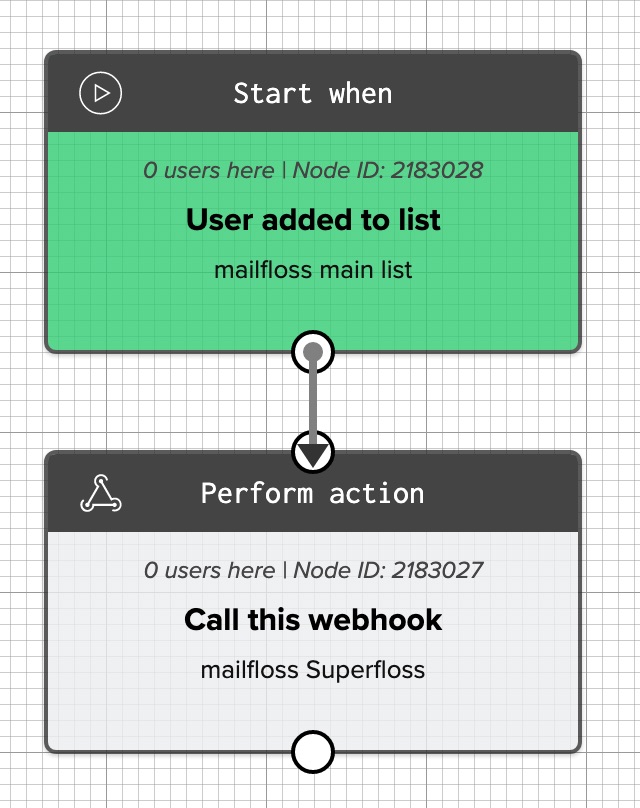
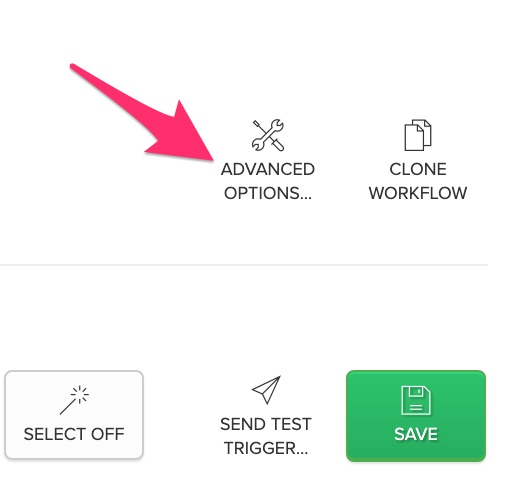
Step 13. Click "Advanced Workflow Options" on the right
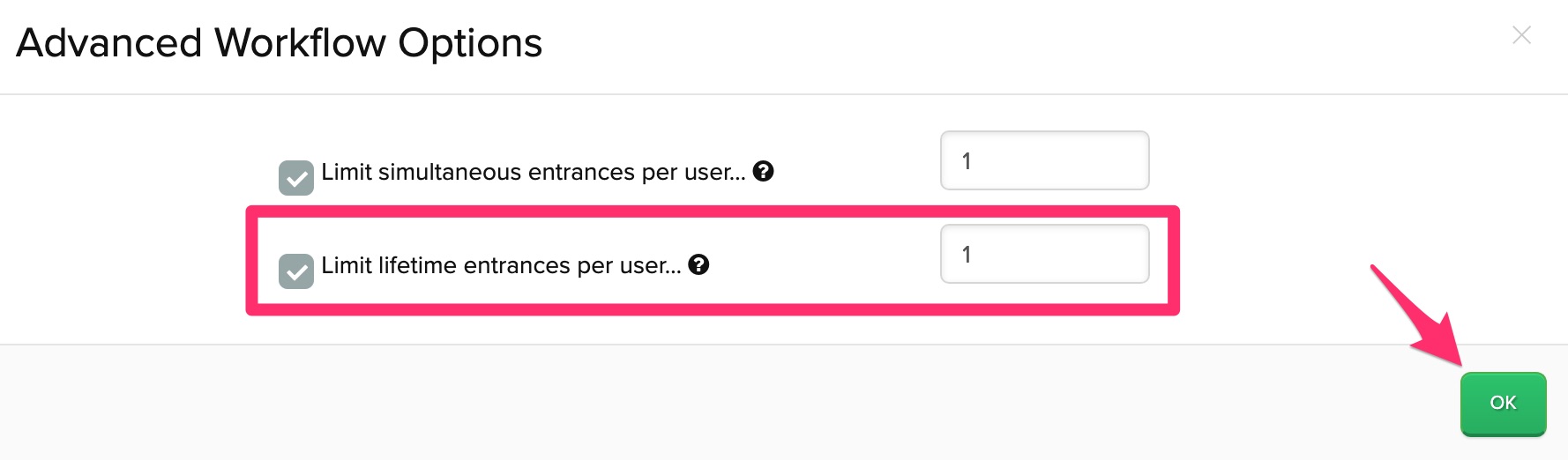
Step 14. Click "Limit lifetime entrances per user", enter 1 into the input, and click Ok
Step 15. Ensure the workflow is Enabled and click Save
